- Home
- Email in China
How to Access Email in China (2026 Ultimate Guide: Gmail, Outlook, VPN, SMTP Fixes & Best Providers)
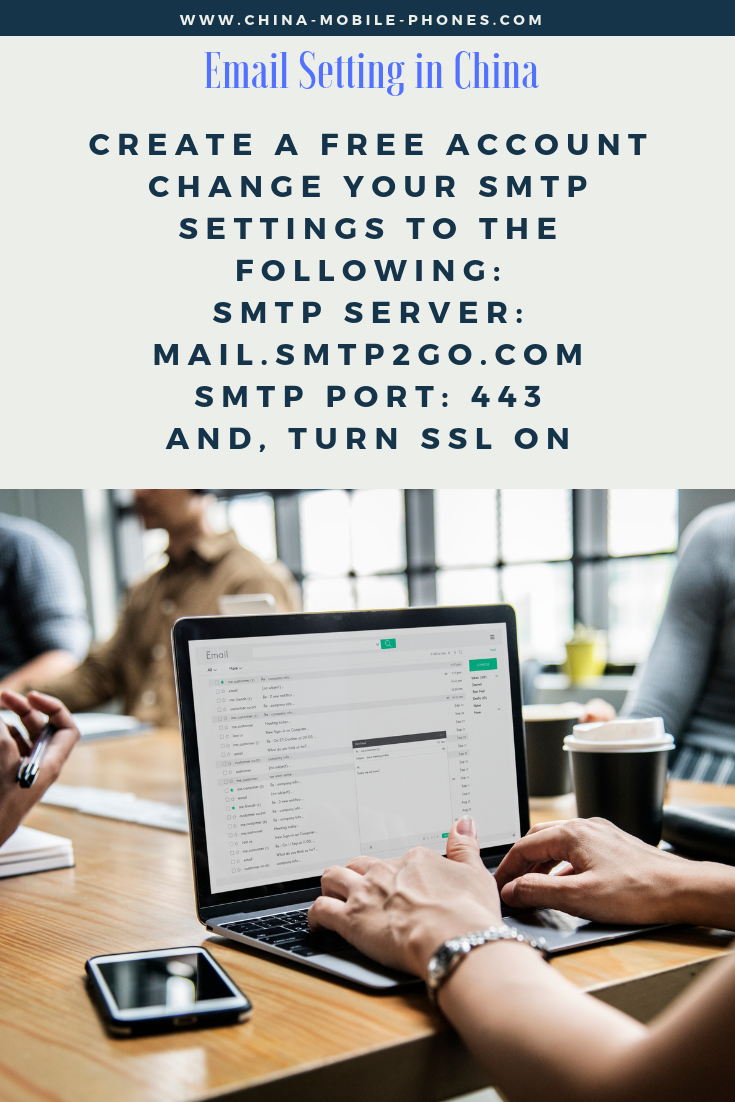
Solution - SMTP2Go, you can receive and send all emails in China or worldwide
Trying to access email in China can be frustrating. Gmail may not load, Outlook can be inconsistent, and even sending a simple email can fail depending on your network.
This complete 2026 guide shows you:
- Which email services actually work in China
- How to access Gmail step-by-step
- The best VPN and non-VPN solutions
- How to fix sending/receiving issues instantly
👉 Whether you're traveling, working, or doing business in China, this guide ensures you stay connected without interruptions.
🔍 Quick Answer
What is the best way to access email in China?
The most reliable way to access email in China is by using a VPN or switching to Chinese email providers like QQ Mail or 163 Mail. Alternatively, international roaming data can bypass restrictions without a VPN.
Why Email Services Are Blocked in China
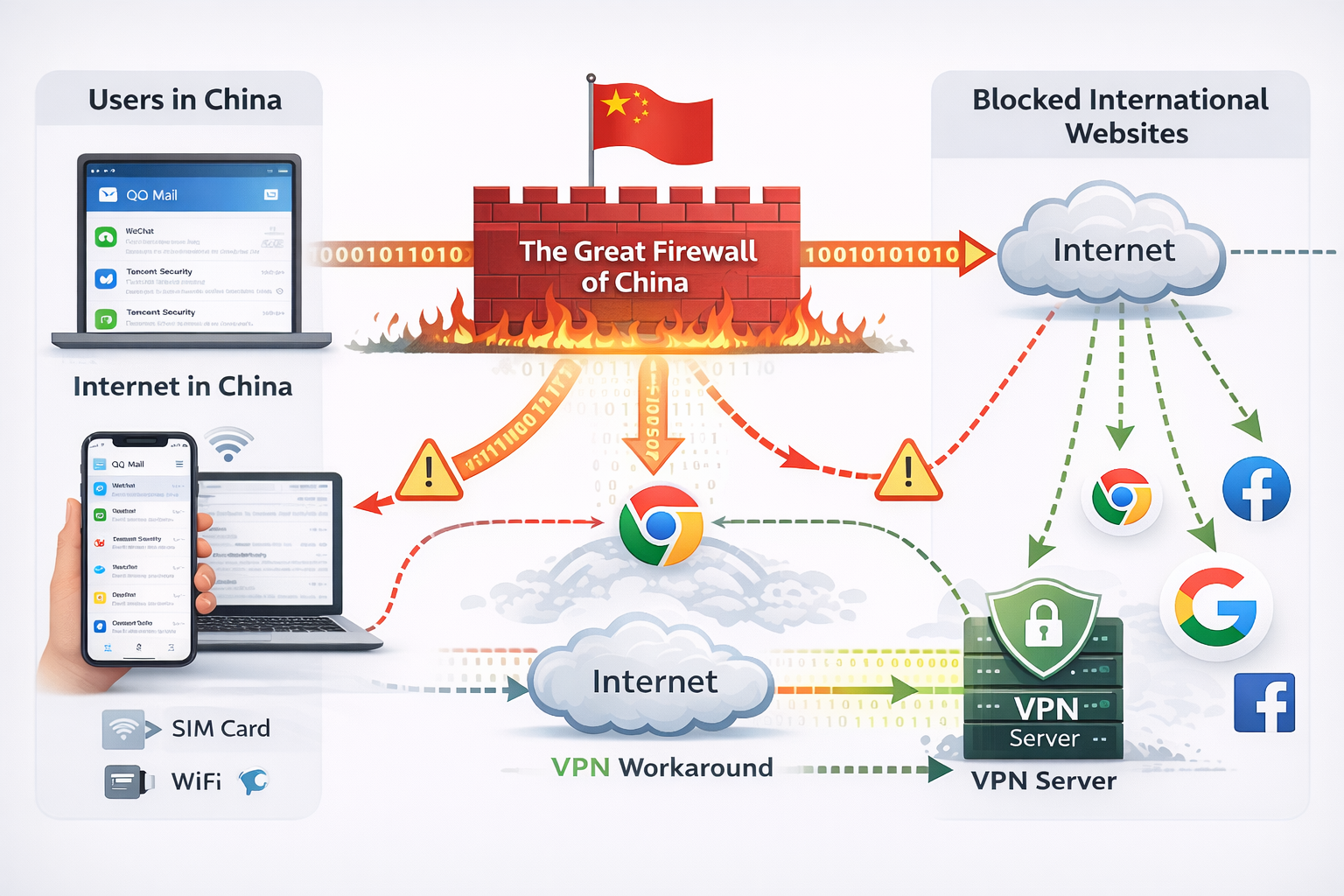
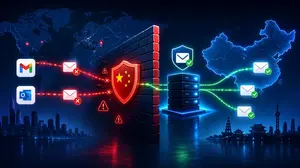
China’s internet is regulated by a system often called the “Great Firewall,” which:
- Blocks foreign platforms (Google, some Microsoft services)
- Filters sensitive content
- Restricts server connections
👉 This affects email access, login, and delivery reliability.
Which Email Services Work in China? (2026 Comparison)
| Service | Access in China | Needs VPN | Reliability |
|---|---|---|---|
| Gmail | ❌ | ✅ | Low without VPN |
| Outlook | ⚠️ Sometimes | ✅ | Medium |
| Yahoo Mail | ❌ | ✅ | Low |
| QQ Mail | ✅ | ❌ | High |
| 163 Mail | ✅ | ❌ | High |
| 126 Mail | ✅ | ❌ | High |
👉 Best strategy: Combine a VPN + local email backup
How to Access Gmail in China (Step-by-Step)
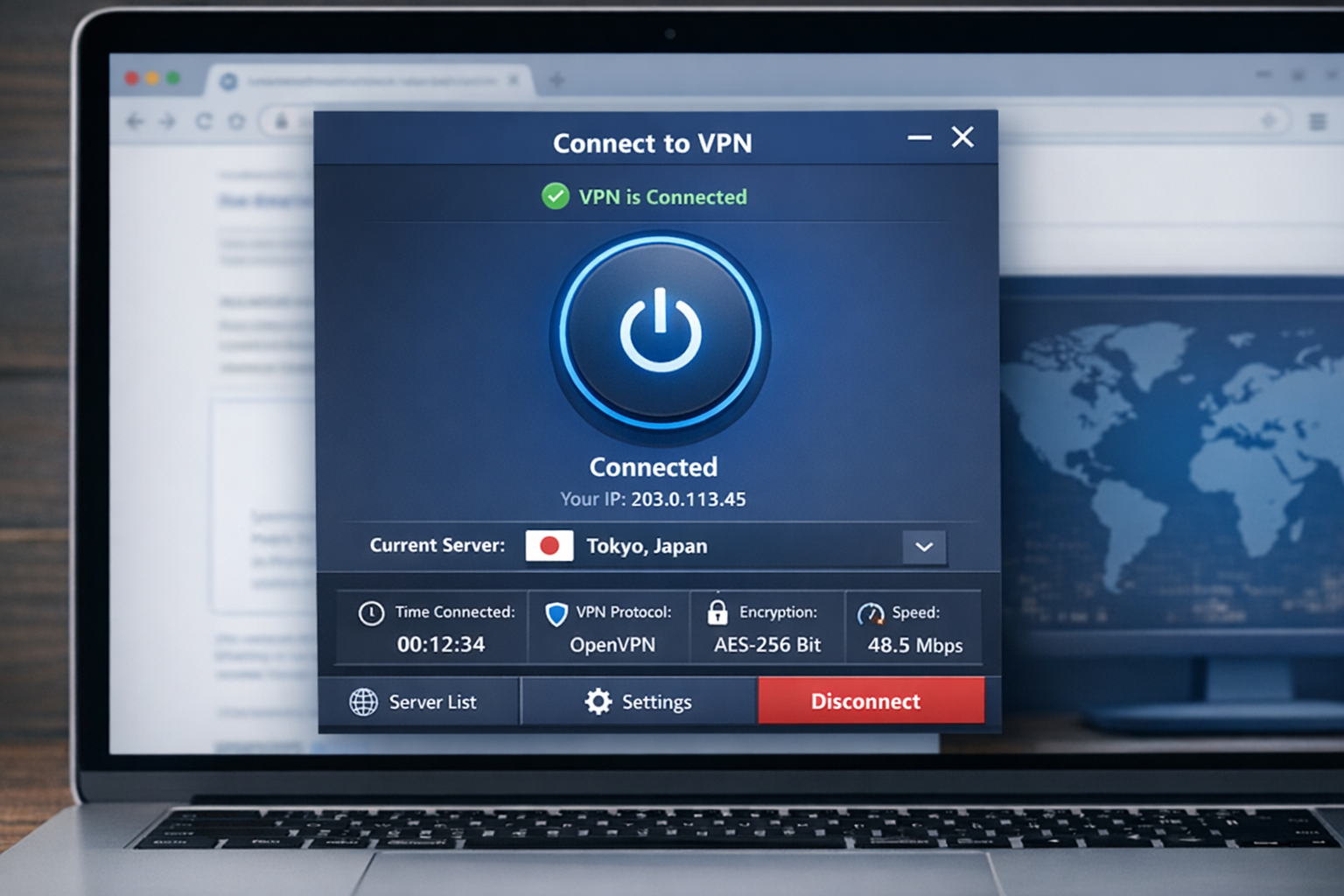
✅ Method 1: Use a VPN (Recommended)
A VPN encrypts your connection and routes it outside China.
Step-by-step:
- Download a VPN before entering China
- Install on phone and laptop
- Connect to a server (e.g., Japan, Singapore)
- Open Gmail normally
👉 Works for:
- Gmail
- Google Workspace
- Outlook (if restricted)
⚠️ Method 2: Gmail Without VPN (Smart Workaround)
You can link Gmail to another account:
- Add Gmail inside Outlook
- Sync emails automatically
✔ Access Gmail via Outlook interface
❗ Some features may not sync perfectly
💡 Method 3: Use International Roaming
Roaming data often bypasses restrictions.
✔ No setup required
❗ Expensive for long-term use
Best Email Providers That Work in China (No VPN Needed)
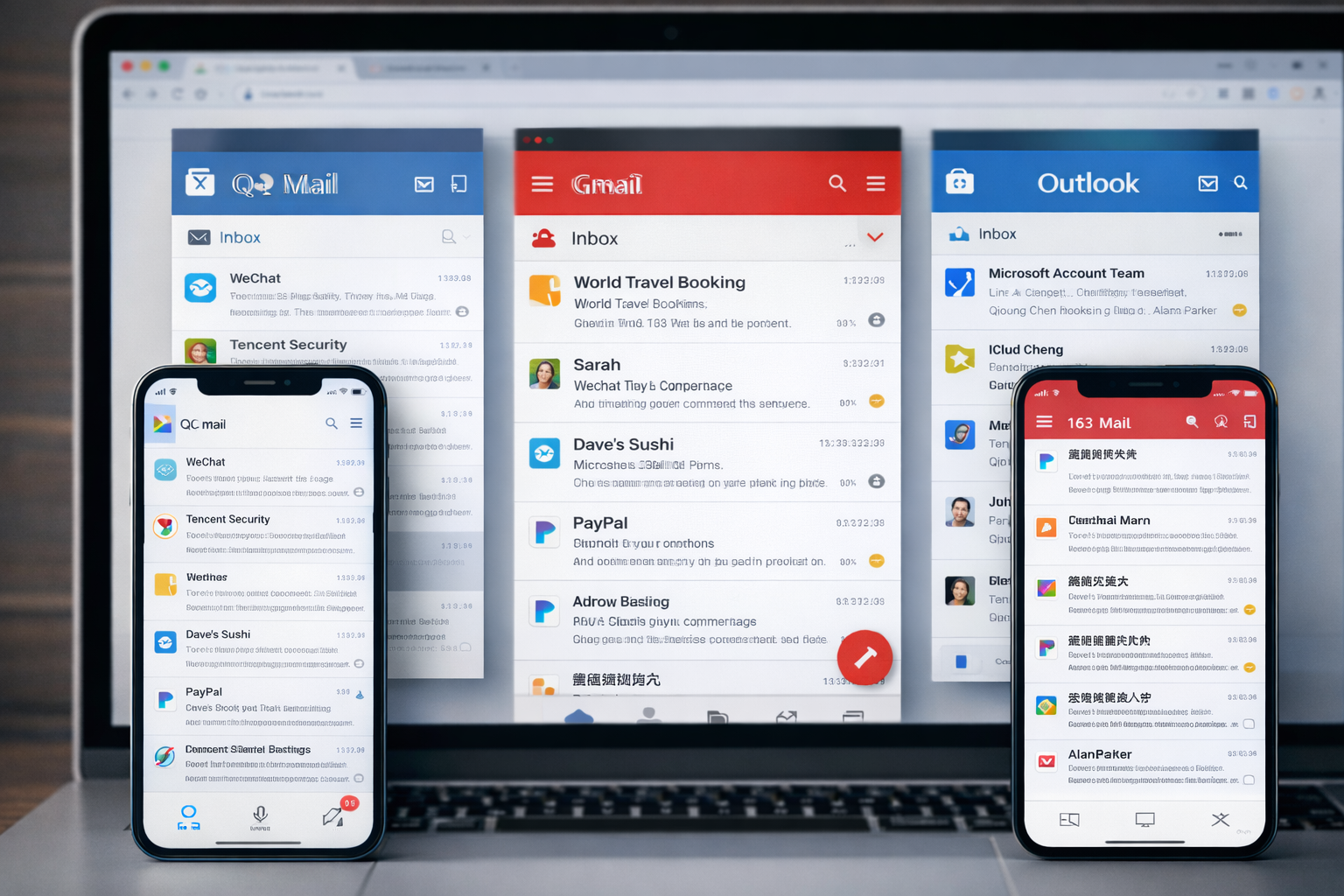
✔ QQ Mail✔ 163 Mail (NetEase)✔ 126 Mail
- Most widely used in China
- Fast delivery within mainland
- Large attachment support
- Clean interface
- Reliable performance
- Advanced spam filtering
- Business-friendly
👉 These providers are fully accessible without restrictions
How to Create a Chinese Email Account (Step-by-Step)
- Visit QQ Mail or 163 Mail website
- Click “Sign Up”
- Enter: Name Password Phone number
- Verify via SMS
- Log in and start using
👉 Tip: Use Google Translate if the interface is in Chinese
How to Send Emails Successfully in China (IMPORTANT)
Many users can receive emails—but sending fails.Why?
Most ISPs restrict SMTP servers to their own networks.Fixes:
✔ Use webmail instead of apps
✔ Use global SMTP services
✔ Use VPN when sending
For businesses that need reliable email delivery to suppliers, customers, and partners in China, read our full guide: Best SMTP Relay Service for China Business (2026).
SMTP Settings That Actually Work
If you're using email apps (Outlook, Apple Mail), configure:
- Port: 587 (TLS)
- Authentication: Enabled
- Use provider’s SMTP server
👉 This reduces failed sending issues significantly
Internet Options in China (Affects Email Access)
Your connection type matters:
WiFi (Hotel / Public)
- Most restricted
- Gmail likely blocked
Local SIM Card
- Moderate restrictions
- Chinese apps work best
Roaming Data
- Least restricted
- Best for Gmail access
👉 Best combo: WiFi + VPN OR roaming only
Common Email Problems in China (and Fixes)
❌ Problem 1: Cannot Send Email
Cause: SMTP restriction
Fix: Use webmail or VPN
❌ Problem 2: Gmail Not Loading
Cause: Blocked by firewall
Fix: VPN or roaming
❌ Problem 3: Emails Go to Spam
Cause: Content filtering
Fix:
- Avoid attachments
- Keep subject clear
- Avoid sensitive words
❌ Problem 4: Slow Email Access
Cause: Network routing
Fix:
- Switch VPN server
- Use local provider
Pro Tips for Business & Travelers
If email is critical (business use):
👉 Always have:
- 1 VPN
- 1 Chinese email account
- 1 backup method (roaming or secondary email)
Email Writing Tips for China
- Use Simplified Chinese for mainland recipients
- Use formal tone
Examples:
- Greeting: 您好
- Closing: 谨祝顺利
👉 Politeness improves response rate significantly
Security & Privacy Considerations
When using email in China:
- Avoid sending sensitive data
- Use encrypted services when possible
- Be cautious with public WiFi
👉 VPN also improves privacy protection
FAQ
Can I use Gmail in China?
Can I use Gmail in China?
Yes, but only with a VPN or workaround like linking to Outlook.
What email works without VPN in China?
What email works without VPN in China?
QQ Mail, 163 Mail, and 126 Mail work without restrictions.
Why can’t I send emails in China?
Why can’t I send emails in China?
Due to SMTP restrictions and network limitations.
Can I access email using roaming data?
Can I access email using roaming data?
Yes, roaming data usually bypasses restrictions.
Is Outlook blocked in China?
Is Outlook blocked in China?
Not fully blocked, but can be unstable depending on network.
Final Strategy (What Actually Works in 2026)
For the best experience:
👉 Use this setup:
- VPN for full access
- Chinese email as backup
- Roaming for emergencies
This ensures:
✔ Reliable sending
✔ Stable access
✔ No communication disruption
Solution - SMTP2Go, you can receive and send all emails in China or worldwide

Harry Cheng is the founder of china-mobile-phones.com (est. 2003) and a specialist in mobile connectivity and internet access solutions for China.
Email in China Related Topics:
Best SMTP Relay Service for China Business (2026)
Best SMTP relay services for China (2026). Compare SMTP2GO, SendGrid, Mailgun & more to fix email delivery, avoid spam, and improve reliability.
How to Send China Email
Can we send China emails by regular email platform ? How to solve the problem we may meet. Should we use Chinese-based mailbox providers?

From Email in China to Home Page

Recent Articles


-
China Mobile Changsha Locations: Service Hall Directory 2026
Sep 15, 26 07:27 AM
 Find every China Mobile service hall in Changsha — 32 halls across Furong, Tianxin, Yuelu, Kaifu, Yuhua and 4 outer districts. Addresses, phones and hours updated 2026.
 -
China 4G SIM card with international 4G standard FDD-LTE network
Sep 12, 26 05:43 AM
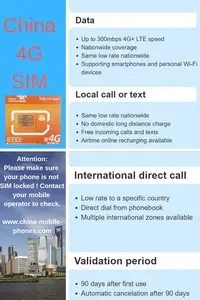 Prepaid China 4G Sim card is a fast data connection solution in China for people on move
 -
China MiFi & Pocket WiFi Hotspot Rental: 2026 Guide
Sep 11, 26 07:30 AM
Renting a MiFi or pocket WiFi hotspot in China: coverage, group data sharing, pickup logistics, and battery life — everything to know before you book.
To keep up to date, including special offers, please sign up our monthly service guide
Don't worry — your e-mail address is totally secure.
I promise to use it only to send you China Mobile Phones Service Monthly Guide.